LUNAR ASPECT
Earth & Sky from the Moon
Astronomy · iPhone, iPad & browser
Lunar Aspect
You have spent your life looking at the Moon.
Now stand on it, and look back.
A first-person planetarium that puts you on the lunar surface at any date you choose. Earth hangs overhead and never sets. The sky stays black at noon. Every position is computed on your device from a real ephemeris — nothing here is an artist's impression of where things go.

- Free
- No ads
- No account
- iOS 15+
- 23 MB
Google Play is coming. Until then, Android phones can run the browser version and add it to the home screen.
 Open it
Lunar Aspect is a free astronomy app for iPhone, iPad and the browser that stands you on the surface of the Moon. Pick a landing site — Tranquility Base, a pole, the far side, or coordinates of your own — pick a date, and look up. Watch Earth turn through its phases, run time forward until the next eclipse, tap a star for its name and distance, or let a fortnight of sunlight pass in ten seconds. The Sun and Moon come from Meeus's Astronomical Algorithms, the planets from JPL's orbital elements, and the librations put your feet on the real lunar surface.
The sky stays black at noon.There is no air up here to scatter sunlight, so the stars never go out — not even with the Sun directly overhead.
Three things that surprise people
All three are in the app, and all three are real
A day lasts a month
Sunrise to sunset is about 14.8 Earth days, and then it is dark for another 14.8. Shadows creep rather than swing.
Earth does not move
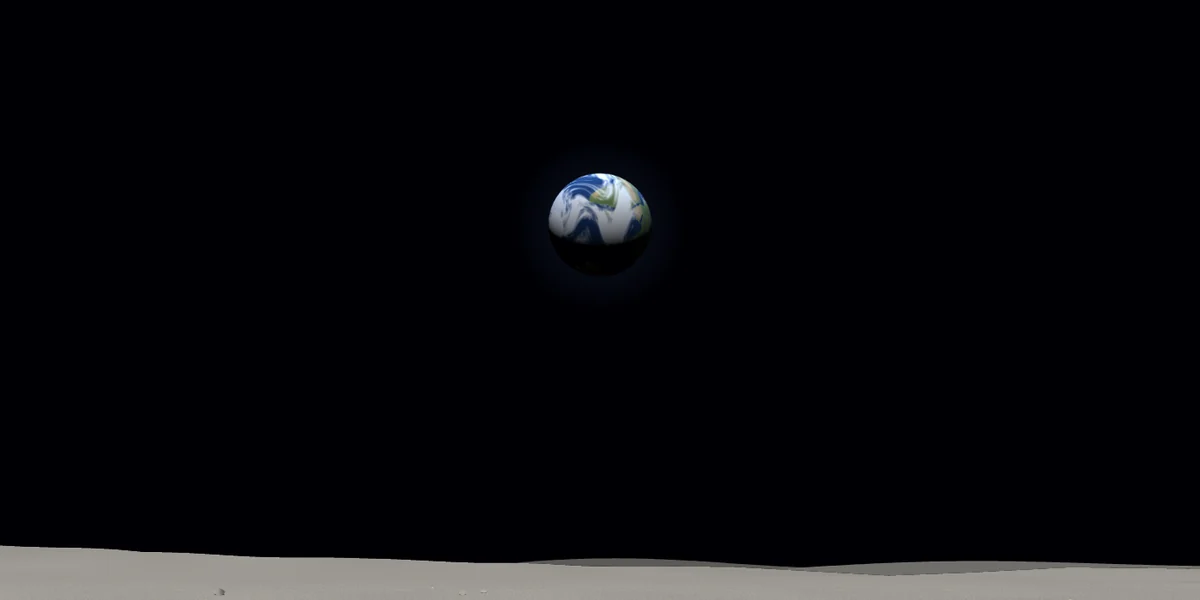
The Moon is tidally locked, so Earth hangs in one patch of sky forever, turning and changing phase but never rising. On the far side you never see it at all.
Earth dwarfs the Sun
From here Earth is about 3.7 times wider than the Sun — roughly four full Moons across. The app draws both at true angular size.
Watch home change its phase
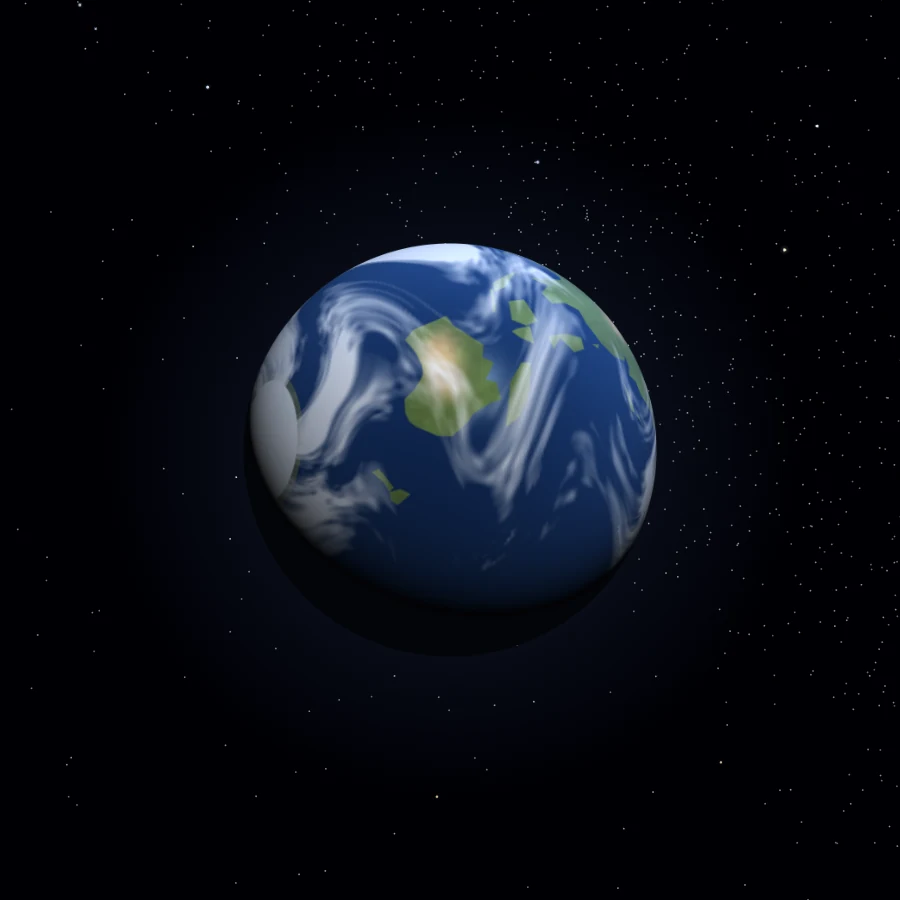
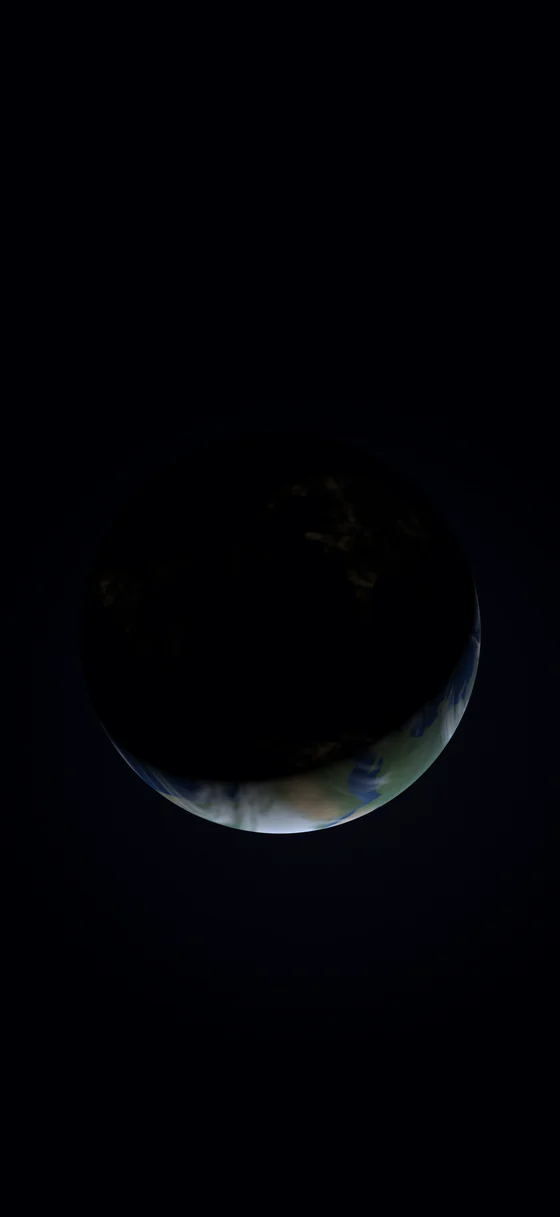
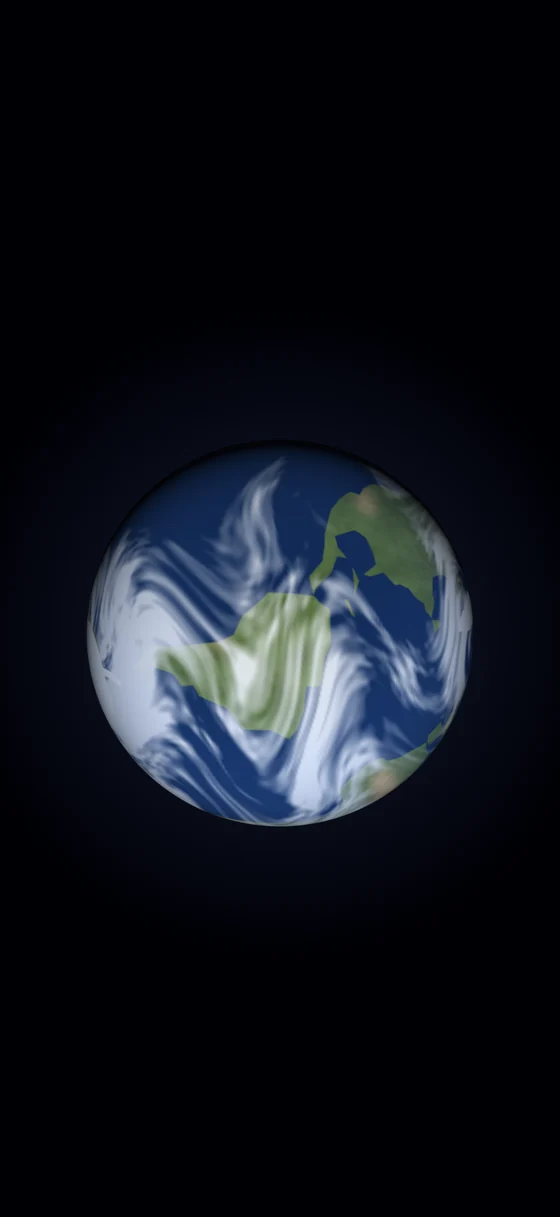
Earth goes through the same cycle the Moon does, seen from the other end of it: a thin crescent, a fat gibbous, a full blue disc. Follow the terminator — the line between day and night — as it crawls across the continents, and find Earthshine, the sunlight bounced off our oceans that fills the lunar night with a soft blue-grey light bright enough to read the ground by.
When Earth is new, it is a black hole in the stars ringed with the lights of cities.
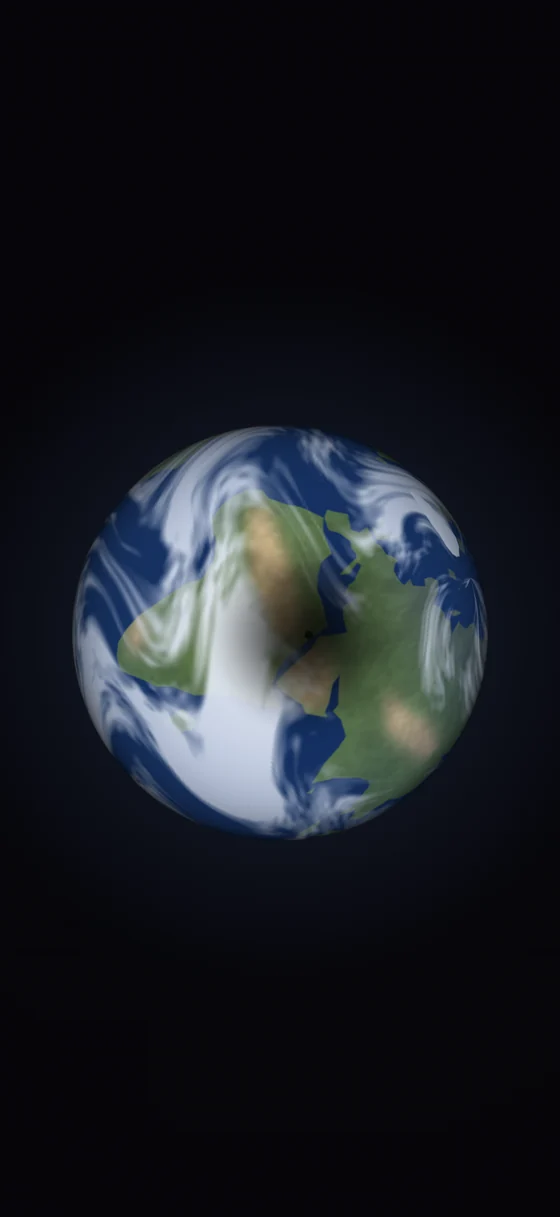
Try it right now, without installing anything
Full screen, in your browser · nothing to install
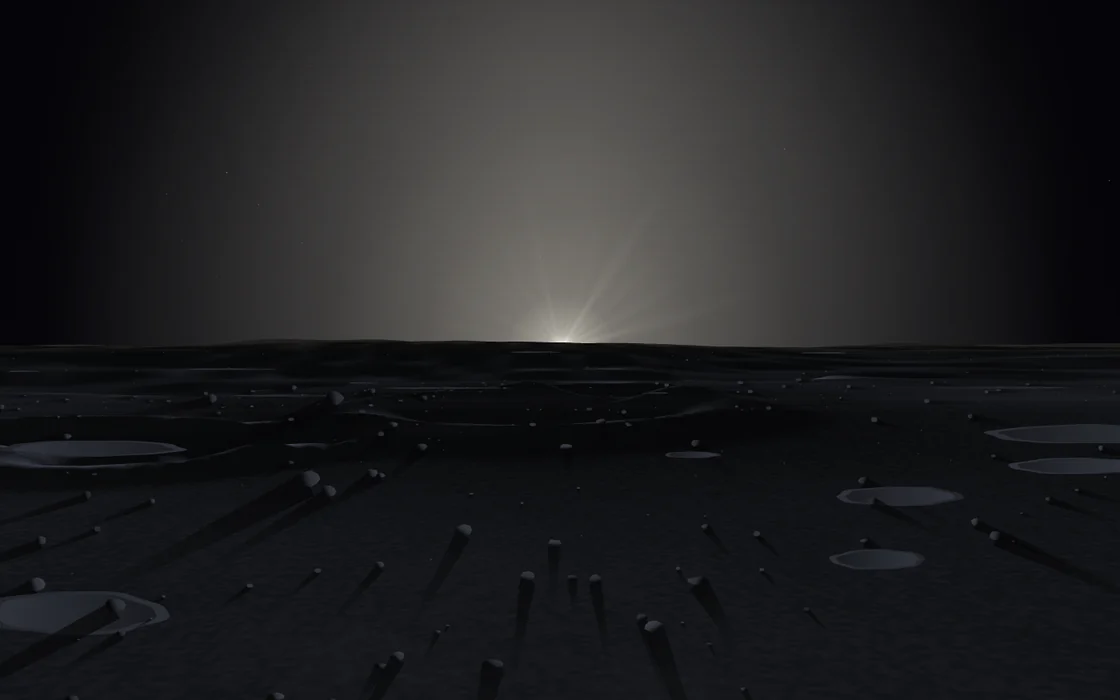 Open the live app
The full build, in its own window
Open the live app
The full build, in its own window
It is the same build that is on the App Store, minus the iOS share sheet — every landing site, the whole time control, the guided tour. Once it has loaded once, it keeps working with no connection.
What it looks like
Seven real captures · no retouching, no concept art
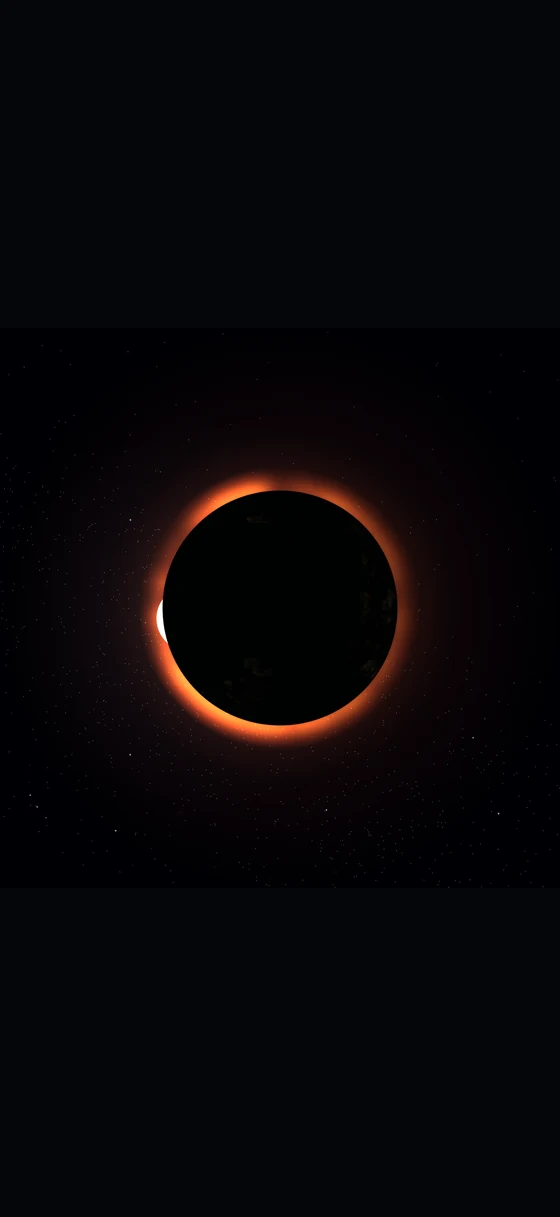
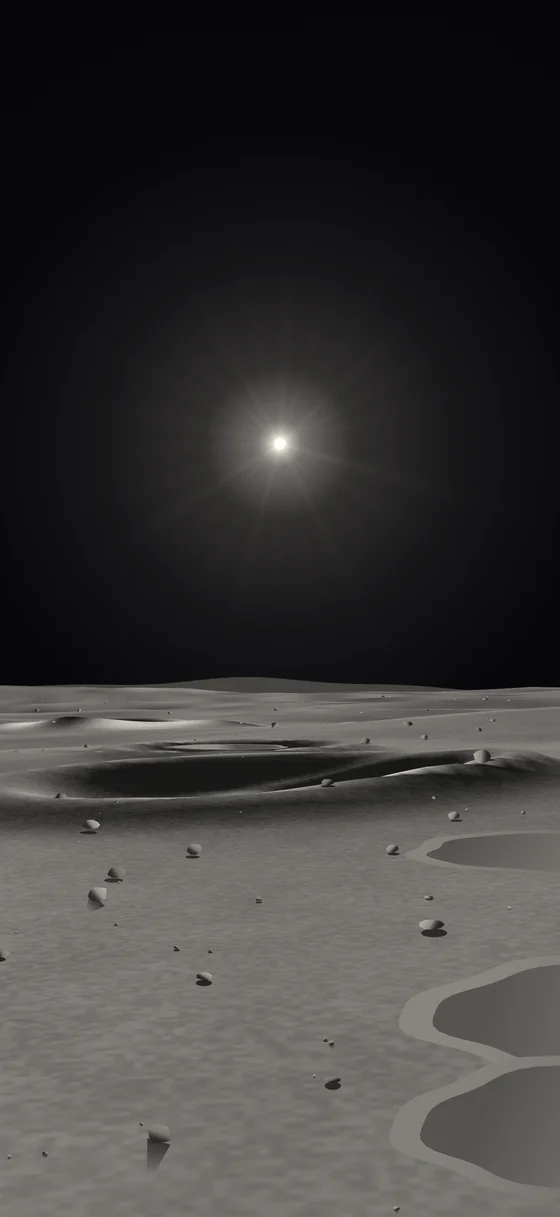
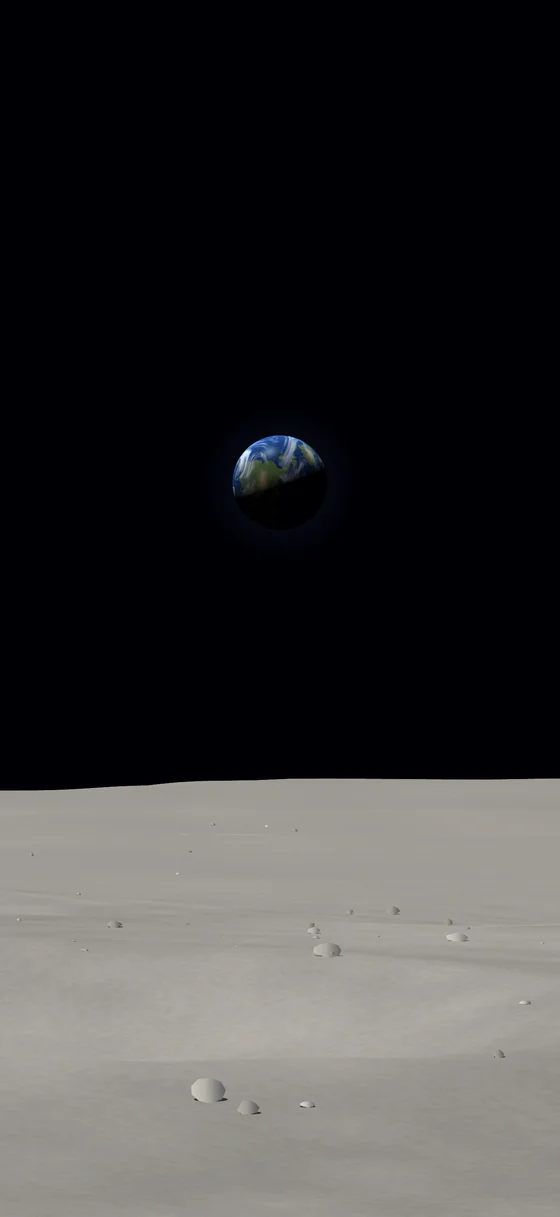
From up here, a lunar eclipse is a solar one.When Earth slides in front of the Sun, the ring around it is every sunrise and sunset on the planet at once, bent towards you through the atmosphere. The app will take you to the next one — and to the reverse, where you watch our own shadow cross Earth.
What is in it
Any date you like
Step by the hour or the day, run at up to a week a second, or reverse it. Centuries either way.
Jump to the good bits
Next sunrise, full Earth, next eclipse, the deep ones, our shadow crossing Earth, the next bright comet.
Somewhere to stand
Tranquility Base and the other landing sites, the poles, the far side, or any latitude and longitude you type in.
A real sky
Named stars with their distances, constellation figures, the planets at true angular size, and comets on their actual orbits.
Numbers, if you want them
Altitude, azimuth, angular size, phase, colongitude, local solar time and the next sunrise, updating live.
Life size
Tell it your screen size and how far away you sit, and it will show Earth at the size it would actually appear.
A guided tour
Nine stops that take you from your first sunrise to an eclipse, if you would rather be shown than left to it.
Offline, properly
Nothing is fetched while you explore. Aeroplane mode changes nothing.
Where the numbers come from
This matters more than it sounds like it should, because the interesting things here — the eclipse dates, the phase you would actually see on a given night, how far Earth drifts as the Moon wobbles — are only interesting if they are right.
Sun and Moon
Jean Meeus, Astronomical Algorithms — the standard reference, implemented directly rather than approximated.
The planets
JPL's orbital elements, so Venus and Jupiter close on each other on the nights they really do.
Your feet
Physical and optical librations, which is what places a given latitude and longitude on the real lunar surface rather than a sphere.
Honestly labelled
The terrain and some visual effects are illustrative, and event timings are predictions. The app says so too.
See what it computes, before you install it
Every picture below was drawn by the app’s own engine at a real date and a real place on the Moon — not illustrated, not screenshotted from somewhere else. Open one and the same frame is running live in the page, with the numbers behind it. Tap the frame and the app opens standing in that exact moment, with the clock in your hands.
-
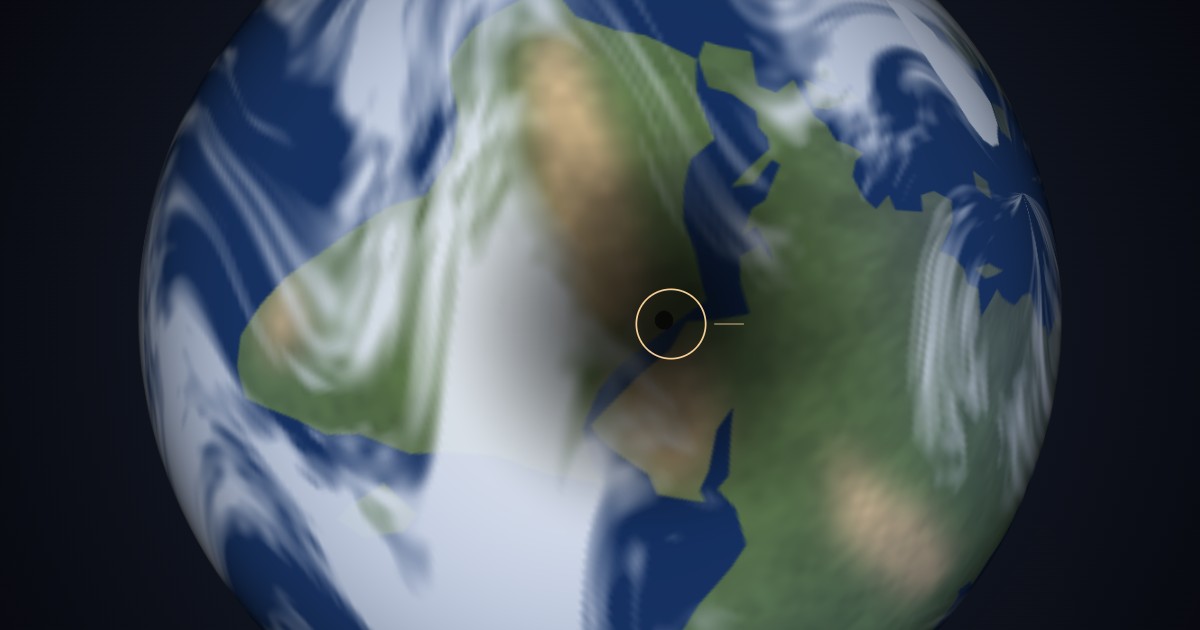 What does a solar eclipse look like from the Moon?
-
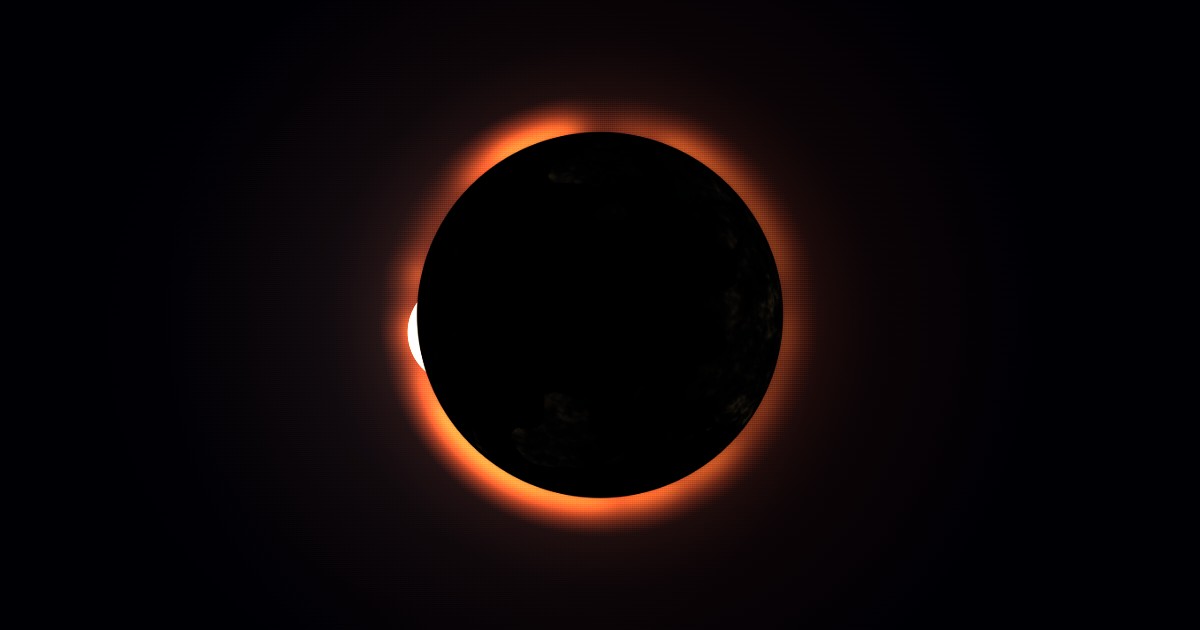 What does a lunar eclipse look like from the Moon?
-
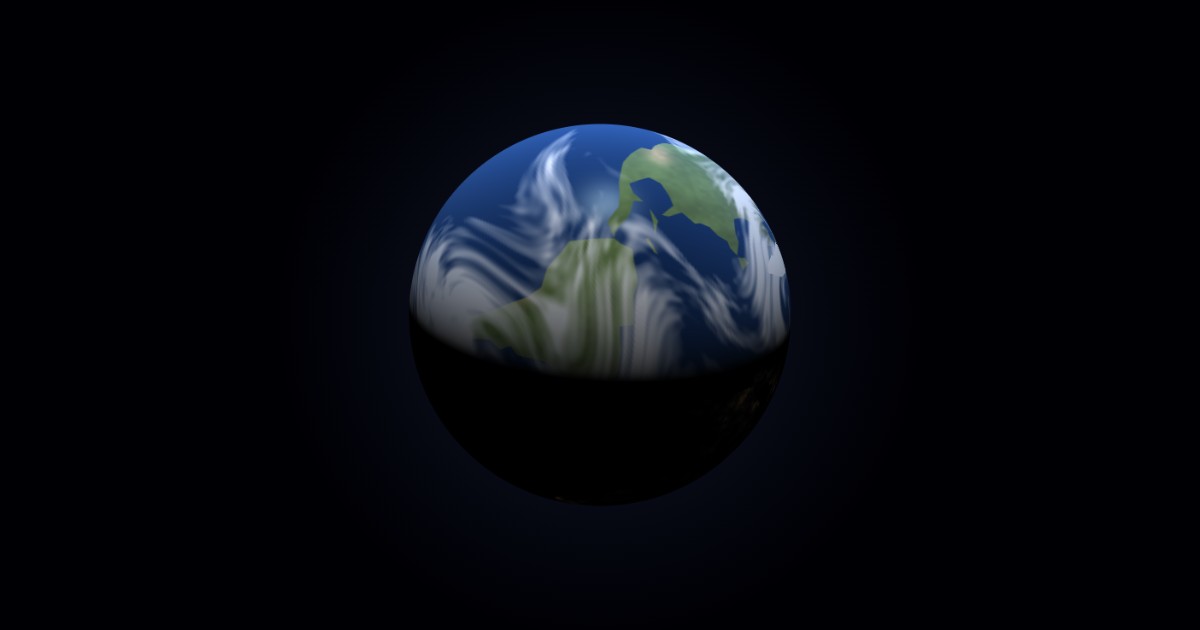 What did the sky look like from the Apollo 11 landing site?
-
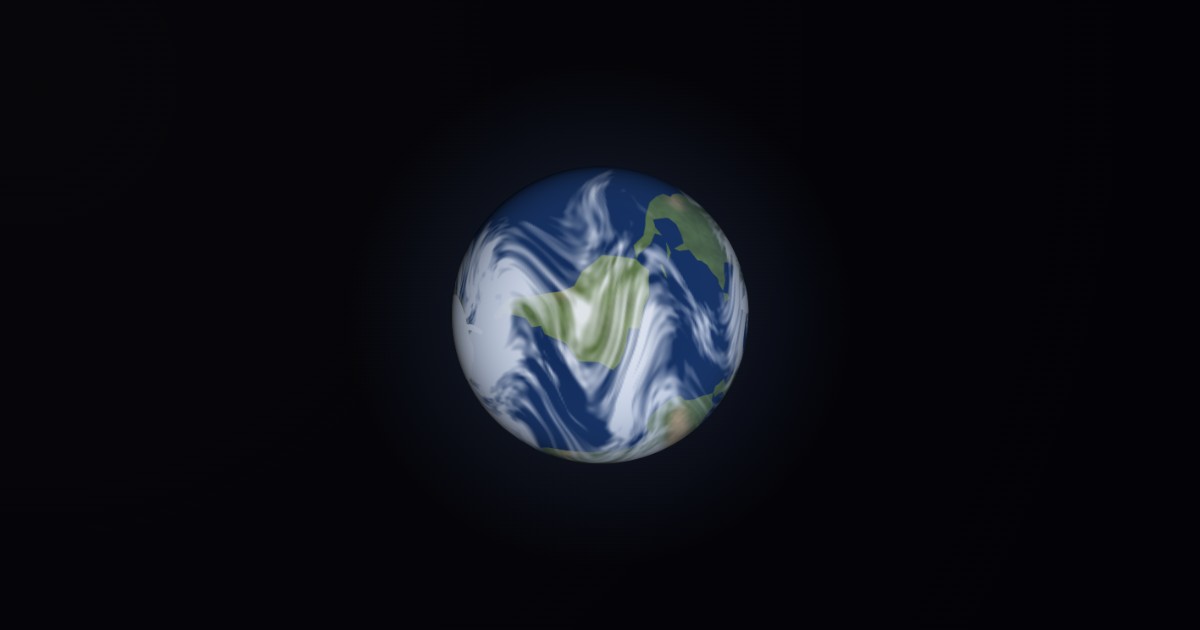 Does Earth rise and set when you are on the Moon?
-
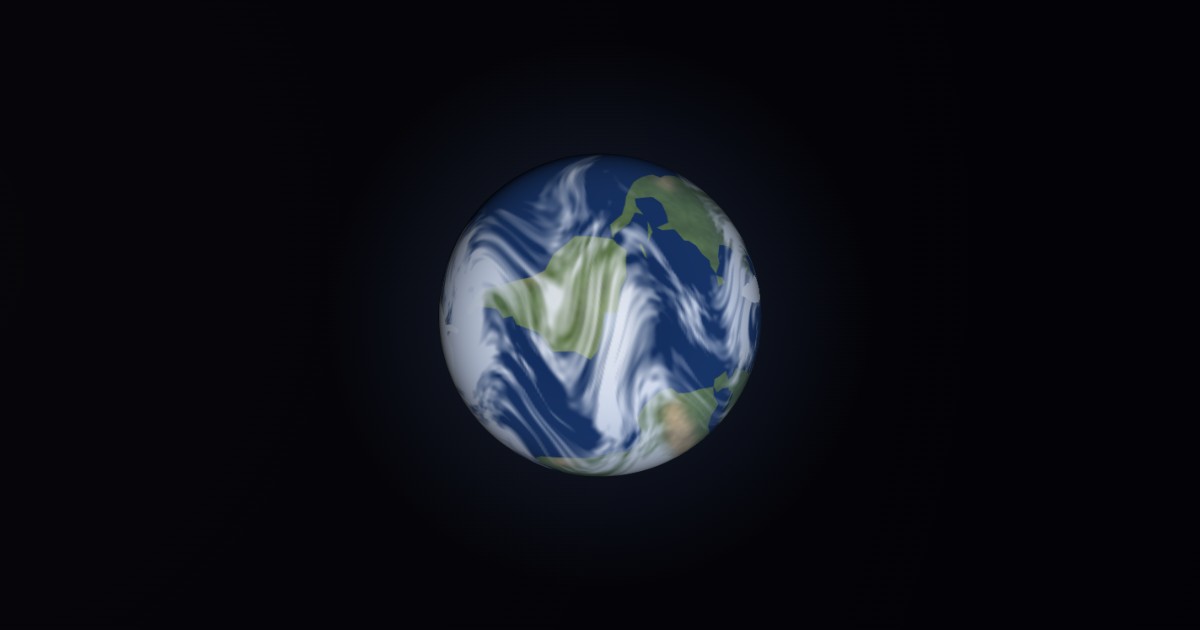 How big does Earth look from the Moon?
-
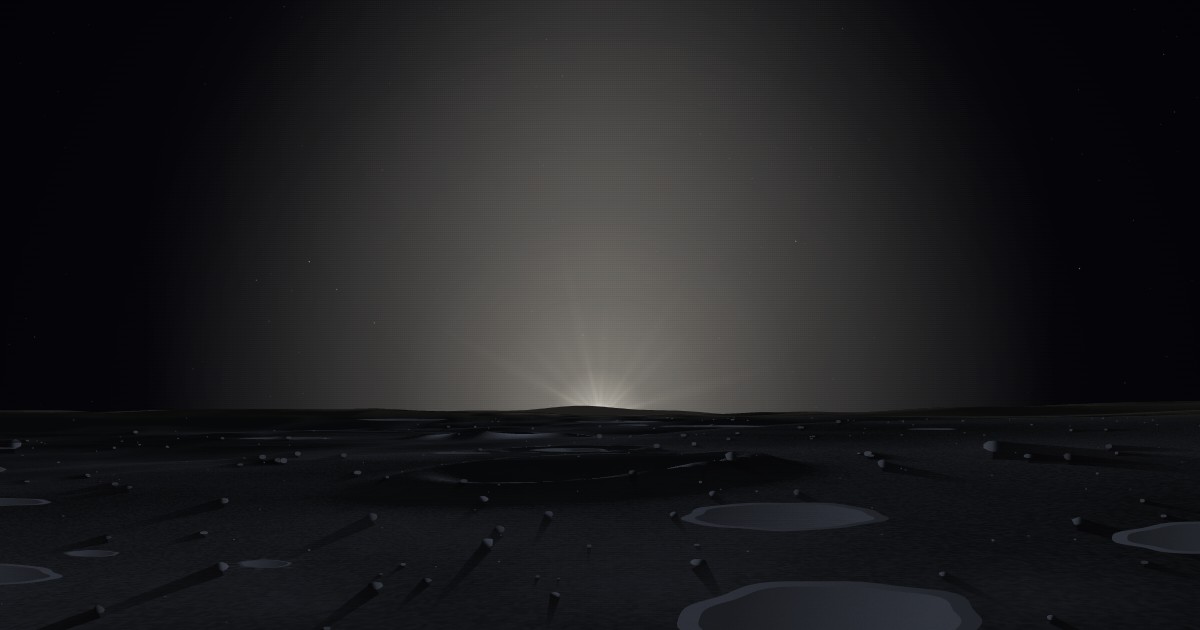 How long is a day on the Moon?
-
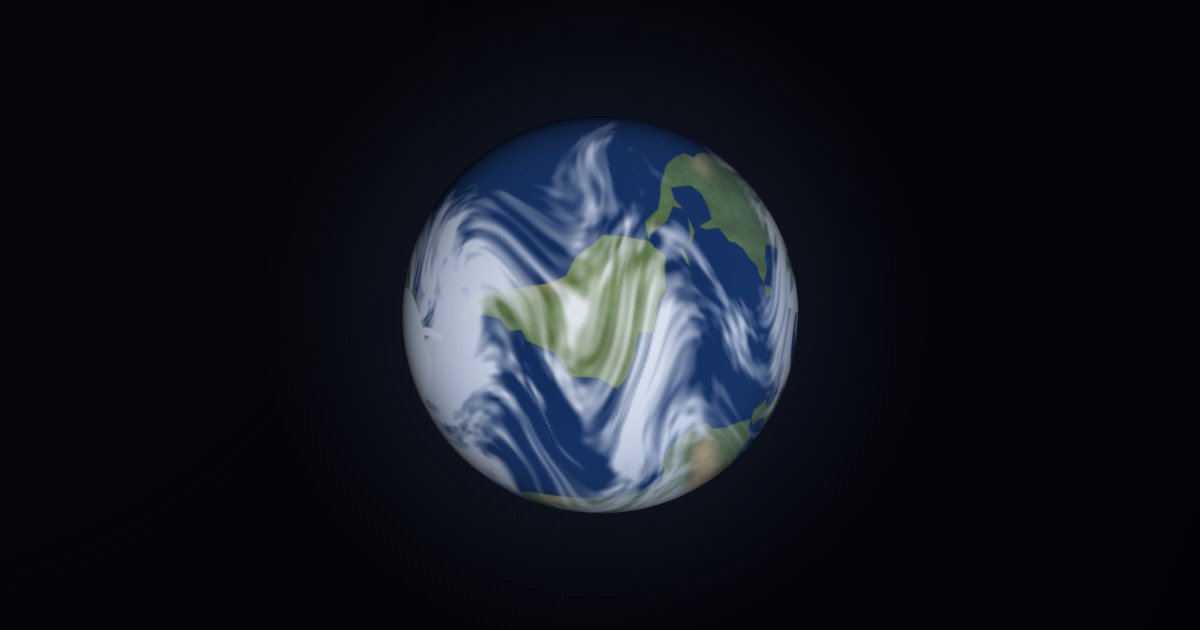 Does Earth have phases like the Moon does?
-
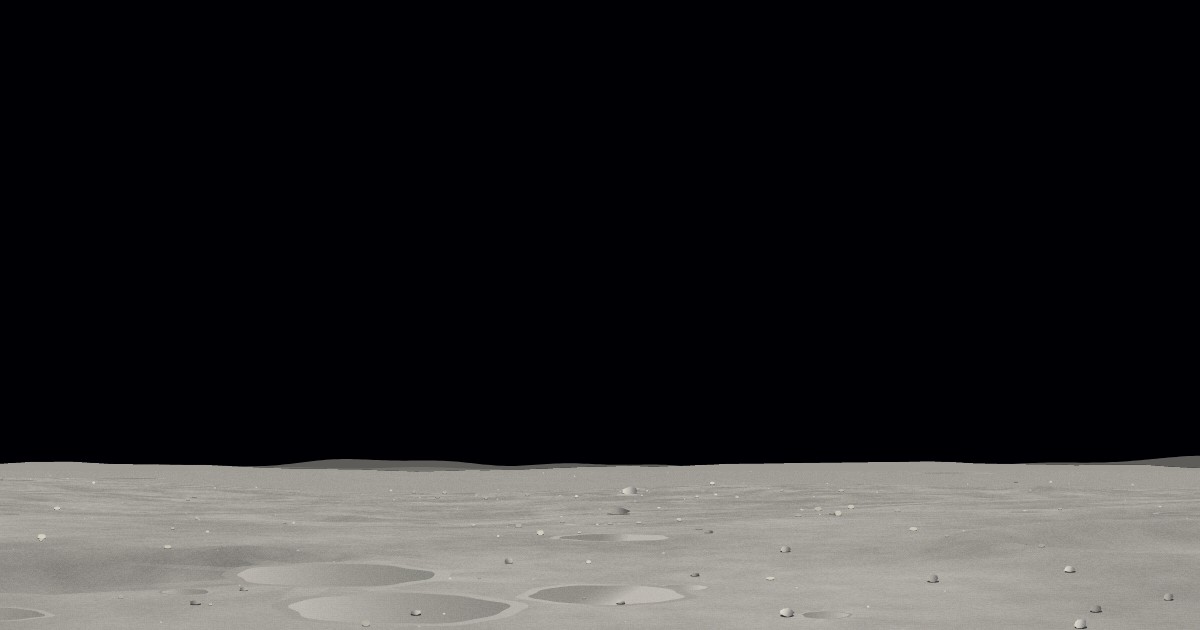 Can you see Earth from the far side of the Moon?
-
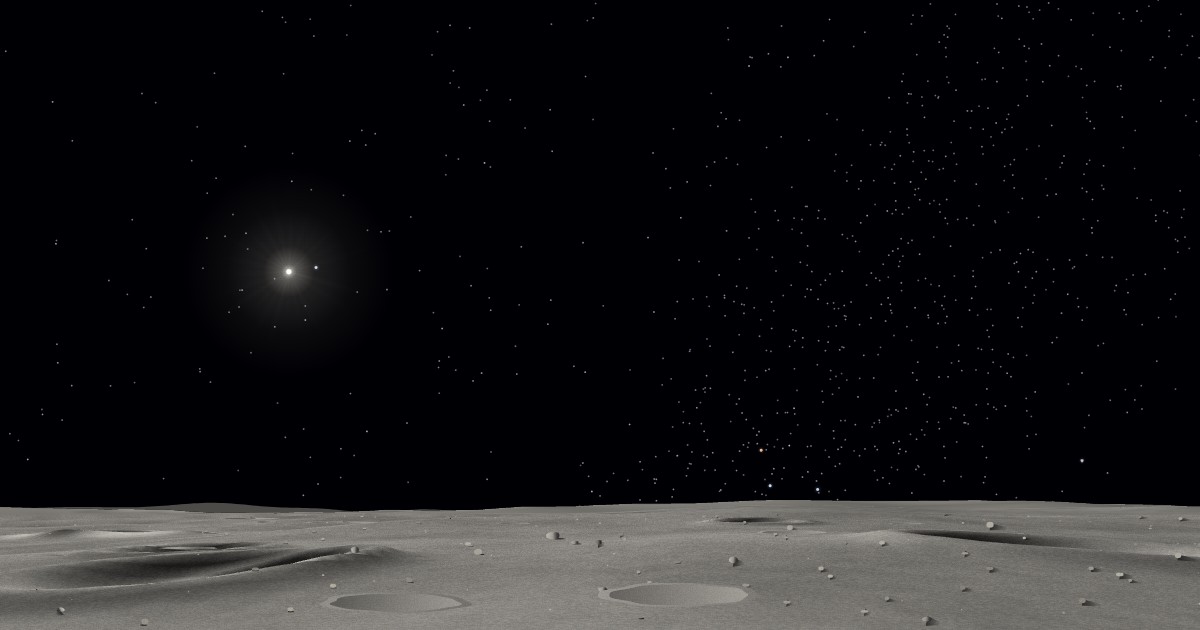 Why are there no stars in the Apollo photos?
-
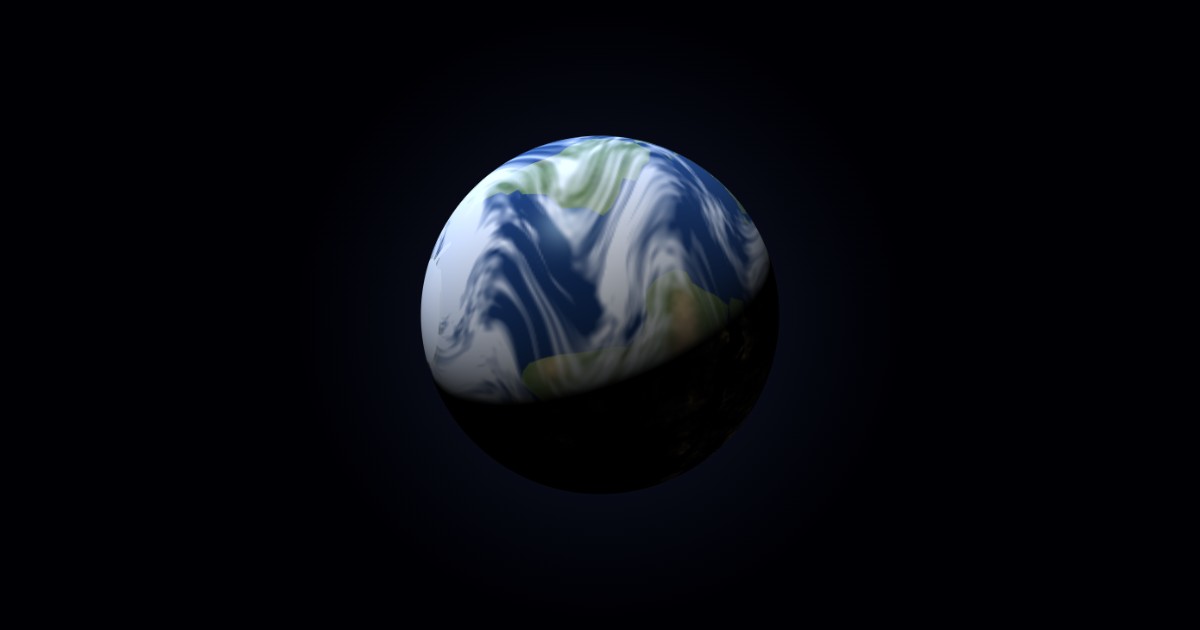 Why did Apollo 8 see an Earthrise if Earth never rises?
-
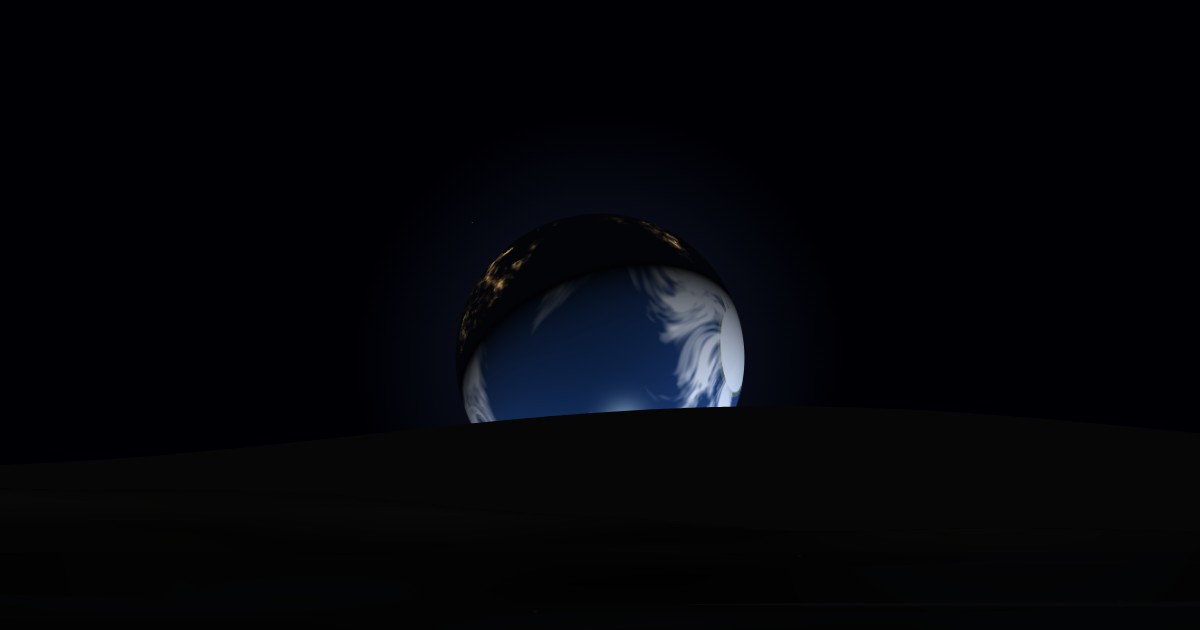 Watch an Earthrise from the Moon
What is not in it
Worth stating plainly, because a free app in this category usually has at least two of them:
No ads
Not on launch, not anywhere.
No purchases
Nothing is locked and nothing is sold.
No account
No sign-up, no email address, no login.
No location
The app has no location permission. The place you choose is on the Moon.
The one thing it does send: the iOS version reports anonymous usage statistics — that it was opened and for how long, the app and device version, and a country worked out from a masked IP. No advertising identifier, nothing that identifies you, and there is a switch to turn it off inside What is this? Details are in the privacy policy.
Get Lunar Aspect free on the App Store — or open it in your browser, no download.
Questions
How long is a day on the Moon?
One solar day lasts 29.53 Earth days — about 14.8 days of sunlight and then 14.8 days of night. At the app's fastest setting you can watch a whole one pass in a few seconds.
Does Earth rise and set when seen from the Moon?
No, and this is the thing that surprises people most. The Moon is tidally locked, so Earth stays in almost the same patch of sky forever, turning and changing phase but never rising or setting. Right on the limb, libration alone can lift it in and out of view; on the far side you never see it at all.
How big does Earth look from the Moon?
About 3.7 times wider than the Sun, or roughly four full Moons across as we see them from here. The app draws it at true angular size, and has a life-size mode that takes your screen dimensions and viewing distance into account — which is also the reason photographs of the Moon always disappoint.
Is it free?
Yes. Free on the App Store, nothing to buy inside it, no advertising. The browser version is free too and needs no download.
Does it need a connection?
No. Every position is computed on your own device from code that ships inside the app, so it works in aeroplane mode. The iOS version separately reports anonymous usage statistics when it is online, and you can switch that off.
Is it on Android?
Not yet — Google Play is coming. The Android build exists, and in the meantime the browser version runs on Android phones and tablets and can be added to the home screen like an app. When the Play listing goes live, the link will appear here.
Can I use it without installing anything?
Yes. The full app runs in a browser — no download, no account — and caches itself for offline use once loaded.
How do I delete my data?
There is nothing held about you to delete. Uninstalling removes the two local preferences the app keeps on your phone; in the browser, clearing site data does the same. Full detail is on the privacy page.
Help and legal
- Support questions, bugs, and how to reach a human
- Privacy policy what it collects, and what it does not
- support@bendigogames.com one person reads all of it
More from Bendigo Games
- One Shot Cascade one tap, nine seconds, read the board
- Squeeze the Orbs the jar is closing, and every merge wins you back space
- Sky Run: Downhill Glider run fast, keep the speed, learn the line
- Everything else the full catalogue